Article
Your first Python program: say hello in 5 minutes
The easiest possible start: install nothing fancy, type a few lines, and see Python talk back to you.
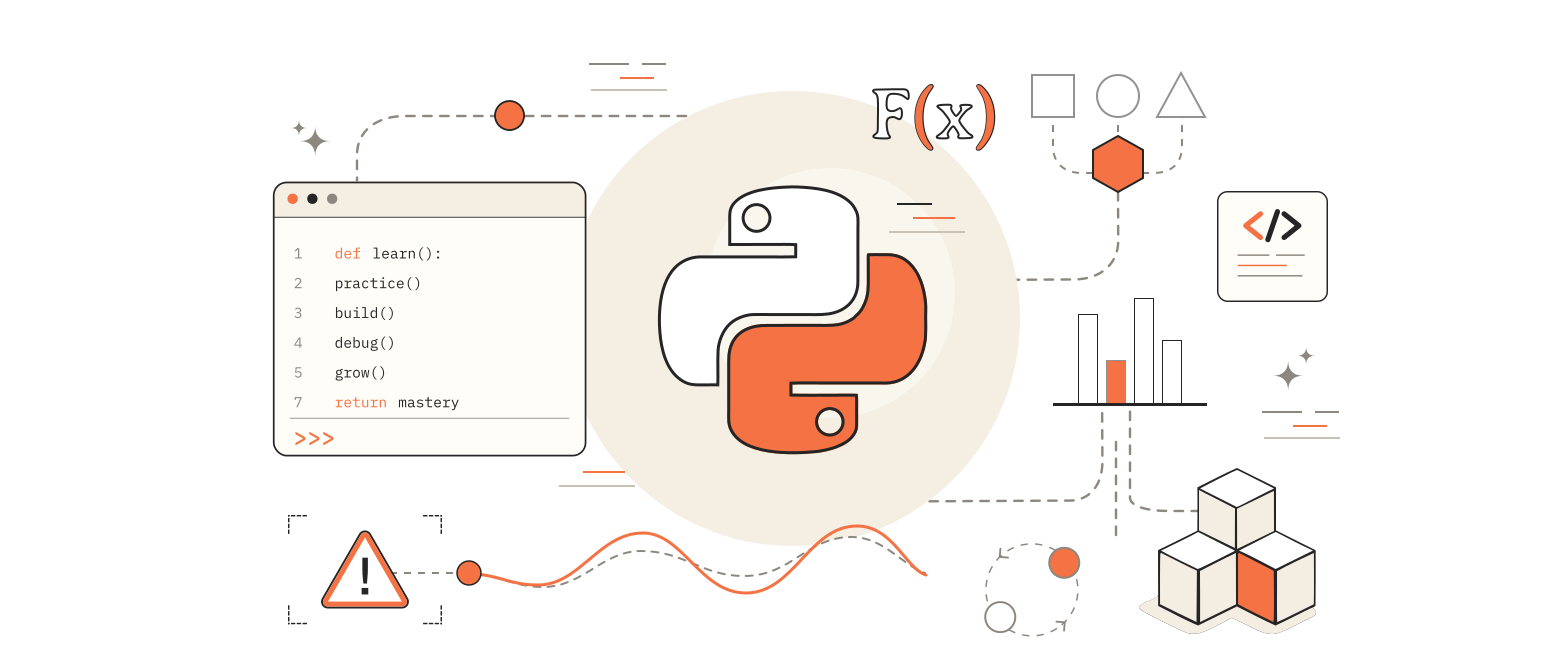
This is the gentlest way to start Python.
No folders of files. No AI keys. No complicated setup.
Just: open Python → type a little → see a message.
If you can follow a recipe, you can do this.
What you need
Python 3 on your computer. Check in a terminal:
python --version
If that fails, try:
python3 --version
You should see something like Python 3.11 or 3.12.
If Python is missing, install it from python.org and tick Add Python to PATHA list of folders your computer searches to find programs like Python on Windows.
Step 1 — Open a place to type
Option A (simplest): open a terminal and type:
python
You should see >>>. That is the interactive promptThe >>> line means Python is waiting for your next command — Python is waiting for you.
Option B: create a file called hello.py in any folder (Notepad, VS Code, or Cursor is fine).
We will show both.
Step 2 — Print a message
Type this (or put it in hello.py):
print("Hello, Sythra!")
Then:
- In the
>>>prompt: press Enter - Or from a file: run
python hello.py
You should see:
Hello, Sythra!
What happened?
printBuilt-in command that shows text on the screen means “show this on the screen.”
The text inside quotes is a stringText data wrapped in quotes — just words for the computer.
Step 3 — Use a variable (a labeled box)
A variableA named box that stores a value is a name that holds a value.
name = "Asha"
print("Hello,", name)
Output:
Hello, Asha
Change "Asha" to your name and run it again. Same program, your message.
Step 4 — Ask a question
name = input("What is your name? ")
print("Nice to meet you,", name)
- Python asks for your name
- You type and press Enter
- It greets you
inputBuilt-in command that waits for you to type something means “wait for the human to type something.”
Step 5 — Tiny full program
Save as hello.py:
print("Welcome!")
name = input("What is your name? ")
print("Hello,", name)
print("You just ran your first Python program.")
Run:
python hello.py
That is it. You wrote a real program.
If something goes wrong
| What you see | What to try |
|---|---|
python not found | Use python3, or reinstall and add to PATH |
| Red error about quotes | Make sure quotes match: "Hello" not "Hello |
| Nothing happens | Make sure you saved the file, then ran python hello.py from that folder |
What you learned
printshows text- Strings live in quotes
- Variables store values
inputreads what you type
Next easy wins (when you want them):
Or practice step-by-step inside Sythra.
Five minutes. One print. You’re a Python beginner now — for real.